Odoo Inventory
Odoo checks availability, reserves what you have and creates the delivery. Low stock triggers a reorder rule.
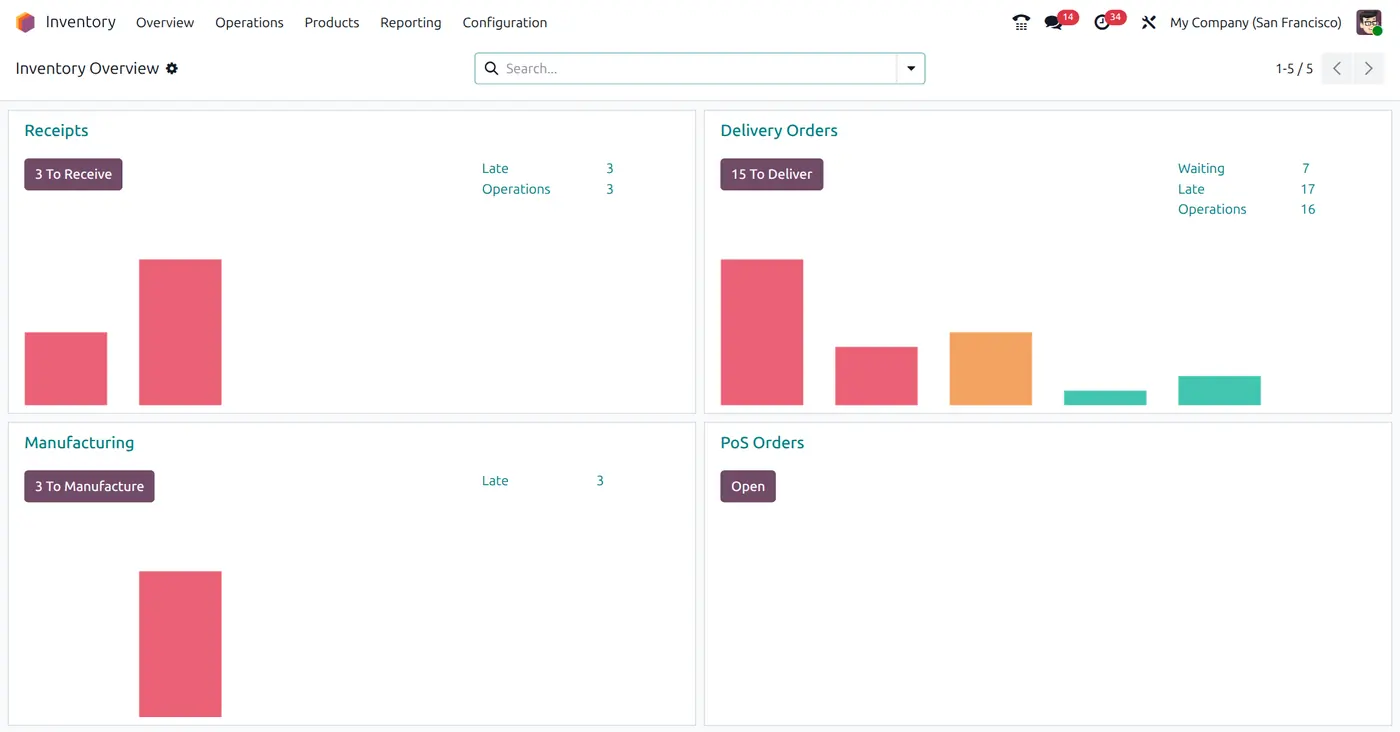
What Odoo Inventory does for you
Inventory: stock is reserved.
Multi-warehouse and multi-location stock
Reorder rules that create purchases or production automatically
Lots, serial numbers and expiry dates
Pick, pack and ship routes for every warehouse
Real-time stock valuation and inventory reports
Odoo Inventory, set up the way you work
From the first workshop to everyday use, one team plans, builds and supports your Inventory setup.
Implementation
We set up Odoo Inventory around your real process: data, users, access rights and a planned go-live.
Customization
Custom fields, screens, reports and automations for Inventory, written the Odoo way so upgrades stay simple.
Integration and migration
We connect Inventory to the tools you already use and move your existing data in cleanly.
Training and support
Hands-on training for your team and support after launch, so Inventory keeps working for you.
Apps that connect to Inventory
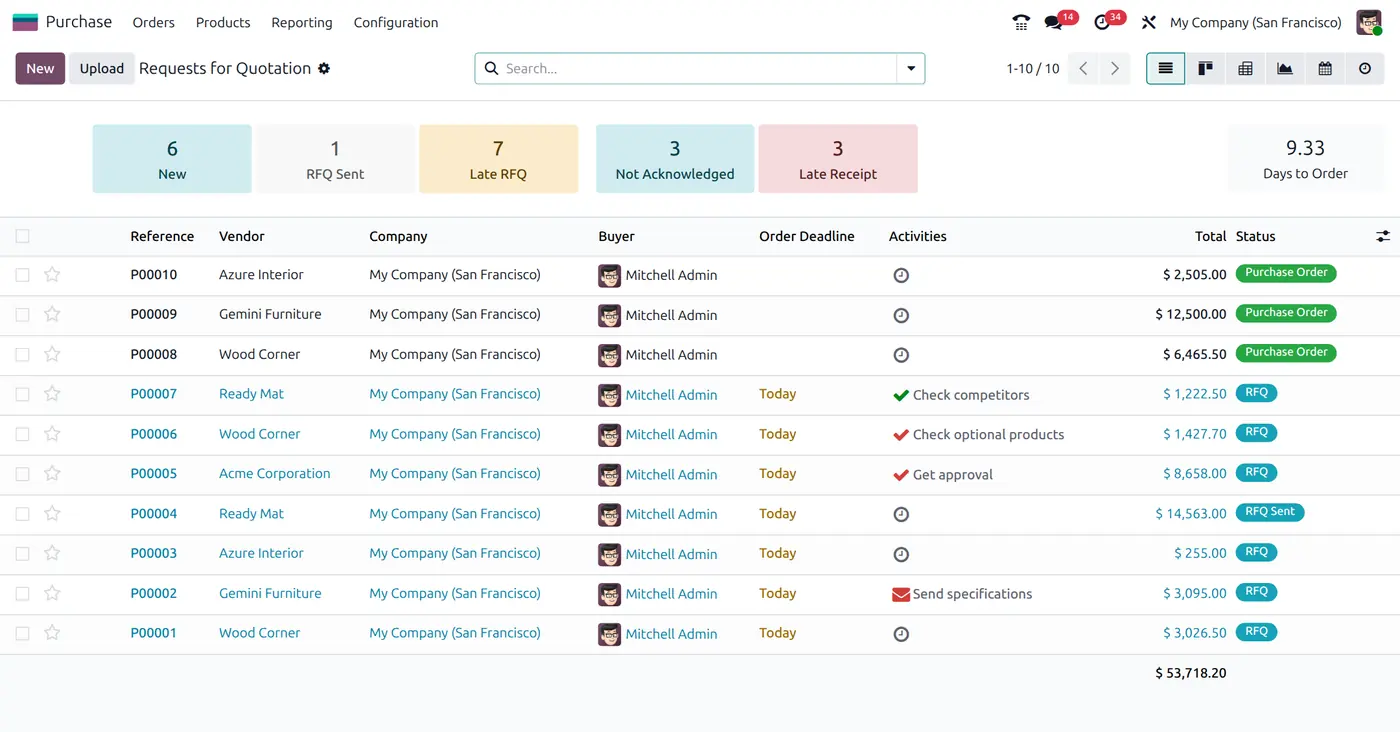 PurchaseReorder rules raise requests for quotation automatically, and receipts update stock and vendor bills.
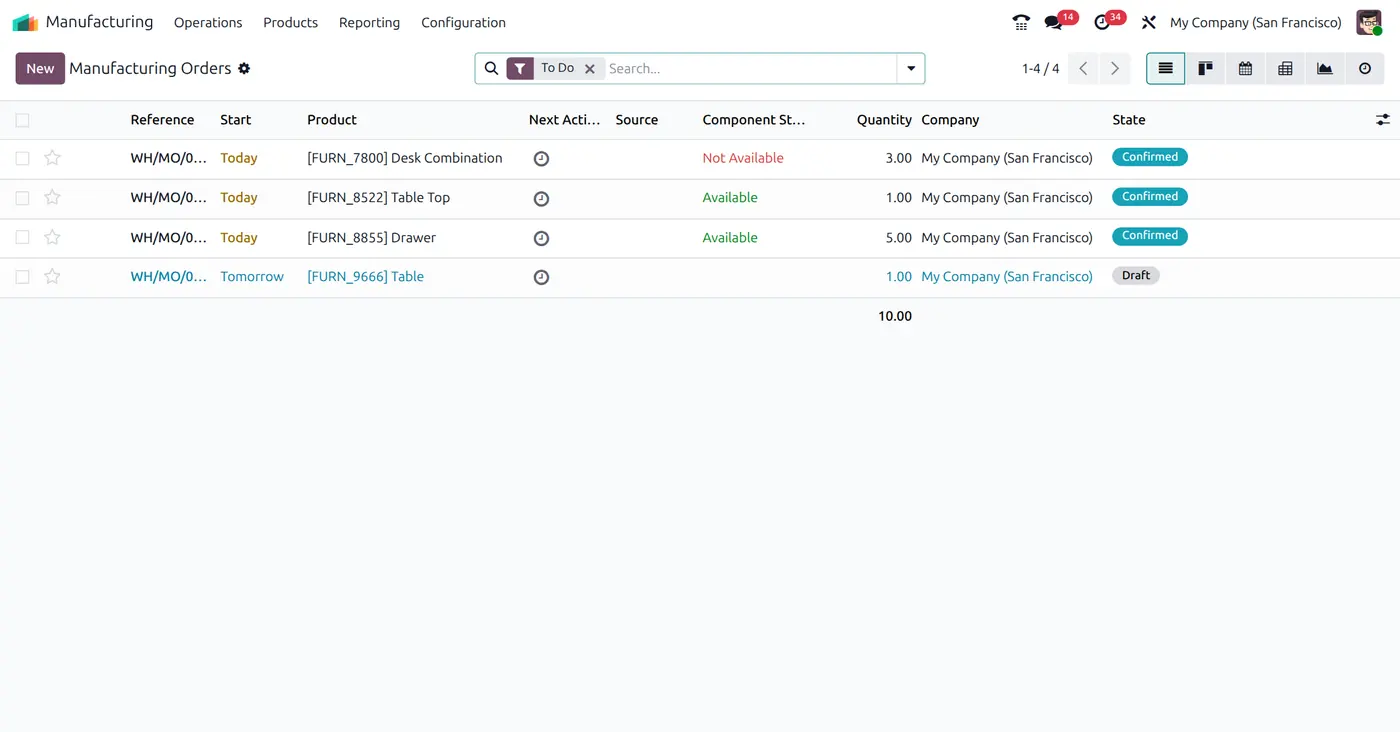 ManufacturingA manufacturing order is raised from the bill of materials, with a work order for every stage.
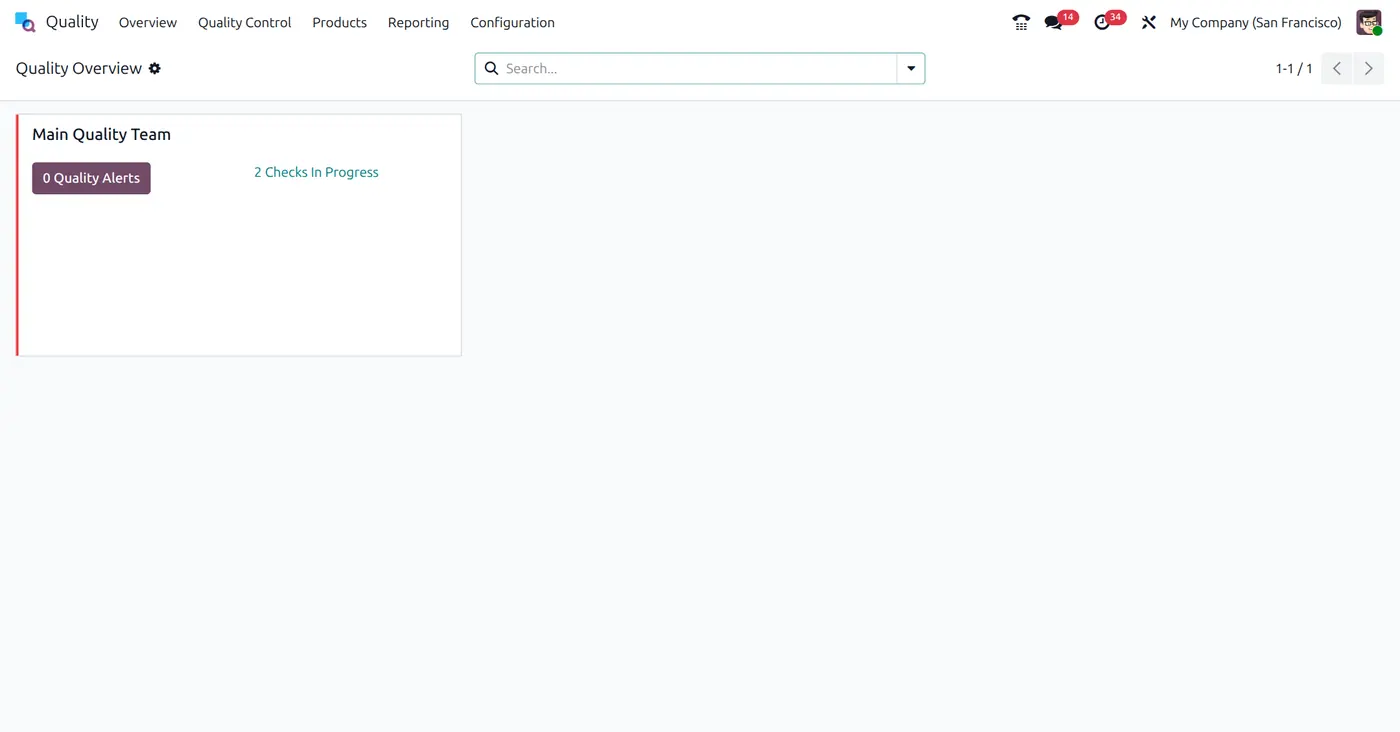 QualityChecks run at receipt, production and delivery, and alerts are raised when something fails.
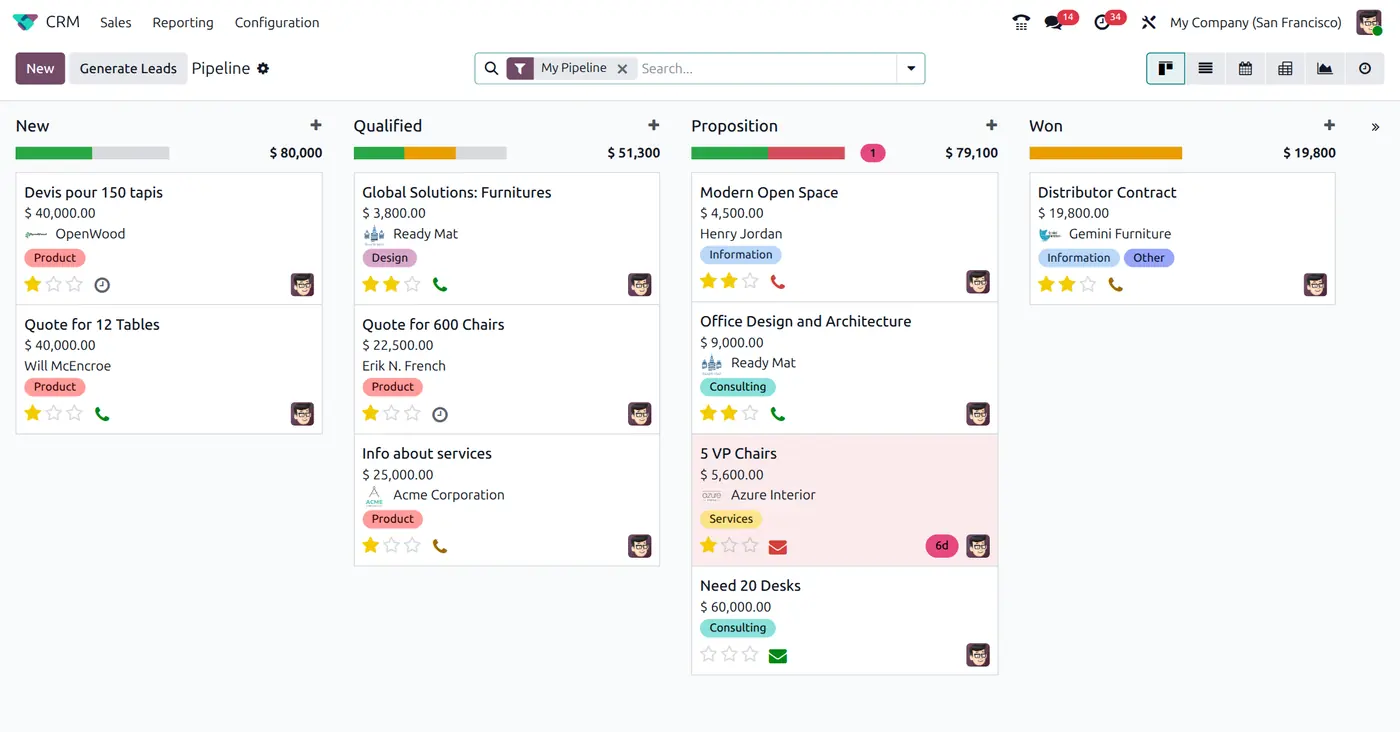 CRMLeads from your website, email and calls land in one pipeline, with follow-ups scheduled so no deal goes cold.
Ready to use Odoo Inventory?
Tell us how your team works today and we will reply with a clear plan for Inventory.